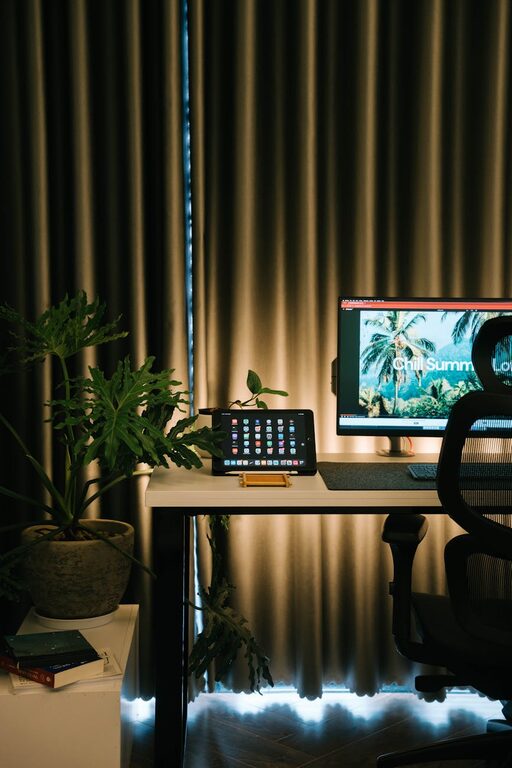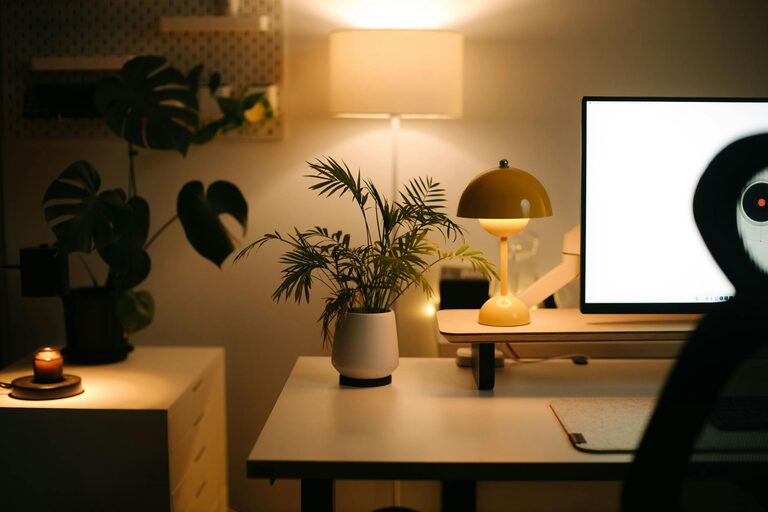







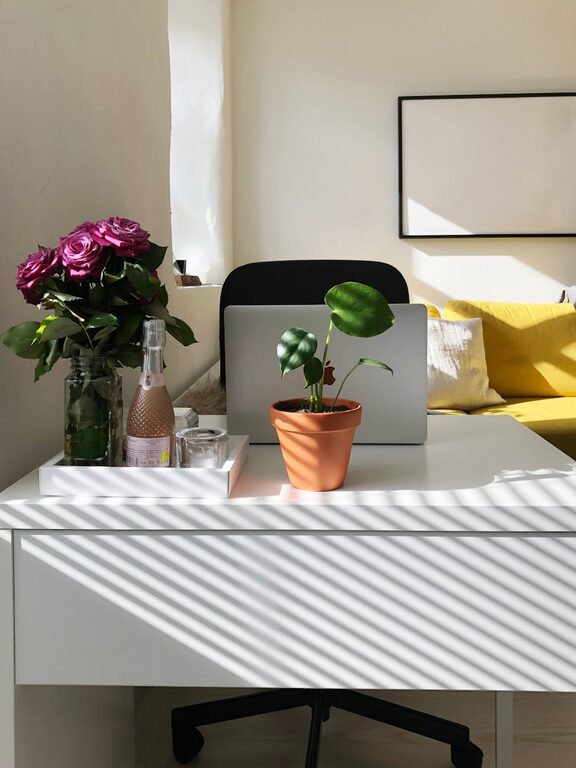
Creating an organized and comfortable home office can make a significant difference in how productive and focused you feel throughout your workday. Whether you work remotely full-time or occasionally need a dedicated workspace, setting up an efficient and pleasant environment is key. In this post, we’ll explore simple tips to organize your home office that can help boost both productivity and comfort.
Why Organizing Your Home Office Matters
A cluttered or poorly arranged workspace can lead to distractions, stress, and lower efficiency. On the other hand, an organized office supports a clear mind, easy access to necessary tools, and better physical comfort. This encourages longer periods of focus and reduces fatigue.
Step 1: Choose the Right Location
Start by picking a quiet spot with minimal interruptions. It might be a spare room, a corner of your living room, or even part of your bedroom.
– Natural light: Position your desk near a window if possible. Natural light improves mood and alertness.
– Quiet environment: Avoid high-traffic areas to limit noise and distractions.
– Space for essentials: Ensure there’s room for your desk, chair, storage, and any equipment you need.
Step 2: Declutter and Prioritize
Before organizing, clean out unnecessary items.
– Remove anything unrelated to work.
– Sort paperwork: file important documents, shred junk mail.
– Keep only frequently used items on your desk.
Less clutter reduces distractions and makes your workspace more inviting.
Step 3: Invest in Ergonomic Furniture
Comfort directly impacts your productivity and well-being.
– Ergonomic chair: Choose one with good back support and adjustable height.
– Desk height: Your desk should allow your forearms to rest parallel to the floor when typing.
– Consider a sit-stand desk or desk converter to alternate between sitting and standing.
Step 4: Optimize Desk Layout
Organize your desk to keep tools within easy reach.
– Place your computer monitor at eye level about 20-30 inches from your face.
– Use a keyboard and mouse positioned so your wrists stay straight.
– Keep frequently used items like pens, notebooks, and chargers close by.
Use desk organizers or trays to keep small items tidy.
Step 5: Use Storage Solutions Wisely
Smart storage helps keep your office neat and reduces frustration.
– Use shelves or drawers to store books, files, and supplies.
– Label storage containers to find things quickly.
– Consider vertical storage to save floor space.
Keep less frequently used items stored away to keep your workspace free.
Step 6: Manage Cables and Technology
Tangled cords can add clutter and pose hazards.
– Use cable clips or sleeves to bundle cables neatly.
– Invest in a charging station or power strip with surge protection.
– Position devices so cords don’t interfere with your movement.
Regularly update your tech and software for a smooth workflow.
Step 7: Personalize Your Space Thoughtfully
Add elements that make your office inviting without causing distraction.
– Include plants for a touch of greenery and improved air quality.
– Use subtle artwork or photos that inspire and motivate you.
– Choose calming colors for decor and accessories.
Avoid overcrowding your workspace with too many personal items.
Step 8: Keep Your Office Clean
A clean office supports focus and comfort.
– Set aside a few minutes at the end of each day for tidying.
– Wipe surfaces to reduce dust and germs.
– Empty trash bins regularly.
Developing this habit keeps your environment fresh and welcoming.
Step 9: Incorporate Good Lighting
Proper lighting reduces eye strain and increases comfort.
– Use a combination of natural light and task lighting.
– A desk lamp with adjustable brightness can help during darker hours.
– Avoid harsh overhead lights or glare on screens.
Step 10: Plan Break Areas and Movement
If space allows, designate a small area for stretching or short breaks.
– A comfortable chair or cushion encourages relaxation.
– Taking brief breaks away from your desk helps maintain productivity.
Remember to stretch or walk around periodically to reduce fatigue.
—
By following these simple tips, you can create a home office that supports both efficiency and well-being. An organized, comfortable workspace helps you stay focused, reduces stress, and makes working from home more enjoyable. Take some time to personalize your setup and adjust as needed to suit your work habits and preferences. A thoughtful home office arrangement can truly transform your daily work experience.