






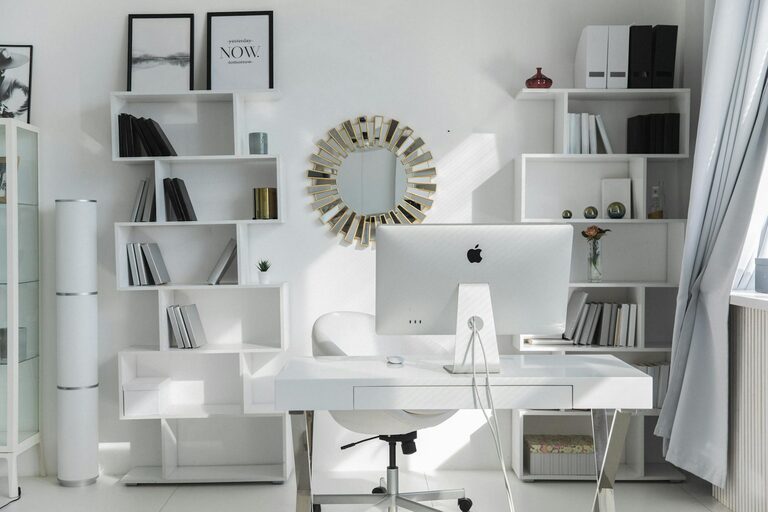
Creating an organized and comfortable home office is essential for maintaining focus and productivity while working from home. A well-arranged workspace helps you stay on task, reduce stress, and enjoy your work environment. Whether you have a dedicated room or a small corner, organizing your home office doesn’t have to be overwhelming. Here are simple tips to help you set up an efficient and comfortable workspace that supports your work goals.
1. Choose the Right Location
Before organizing, select the best spot for your home office. Ideally, this should be a quiet area with minimal distractions. If possible, find a space with natural light as it improves mood and reduces eye strain.
– Avoid high-traffic zones like the kitchen or living room
– If space is limited, use room dividers or curtains to create separation
– Ensure easy access to power outlets for your devices
2. Invest in Comfortable Furniture
Comfort directly impacts your productivity. Invest in a good quality desk and chair that promote good posture and prevent discomfort.
– Choose an adjustable ergonomic chair with lumbar support
– Opt for a desk at the right height to avoid strain
– If standing helps you focus, consider a sit-stand desk
3. Declutter Your Workspace
Clutter can be distracting and stressful. Keeping your desk tidy helps you concentrate better and work efficiently.
– Remove unnecessary items from your desk surface
– Organize cables using clips, ties, or cable management boxes
– Regularly clear out papers, pens, or office supplies you no longer need
4. Use Smart Storage Solutions
Maximize your space with storage that keeps things organized and easily accessible.
– Use drawers, shelves, or filing cabinets to store documents
– Consider desk organizers for smaller items like pens and sticky notes
– Label storage containers for quick identification
5. Optimize Lighting
Good lighting reduces eye fatigue and keeps you alert. Combine natural and artificial light for the best results.
– Place your desk near a window if possible
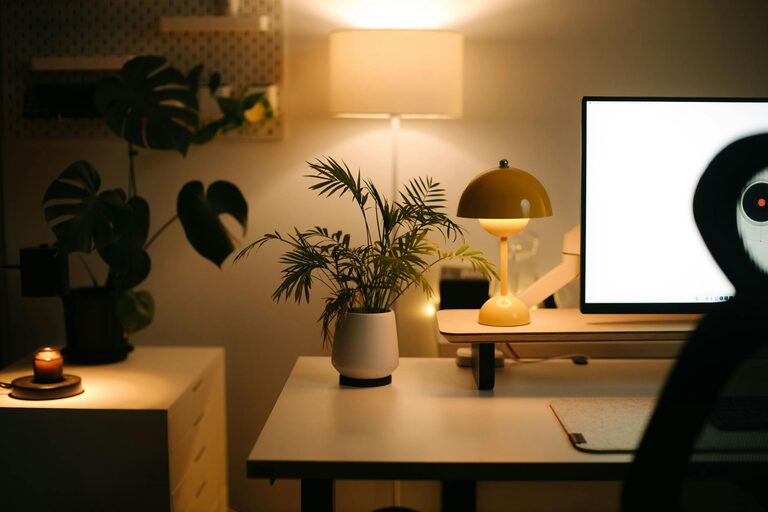
– Use adjustable desk lamps with soft white bulbs
– Avoid harsh overhead fluorescent lights that cause glare
6. Personalize Without Cluttering
Adding personal touches can make your workspace more inviting and boost motivation, but avoid overdoing it.
– Display a few favorite photos or artwork
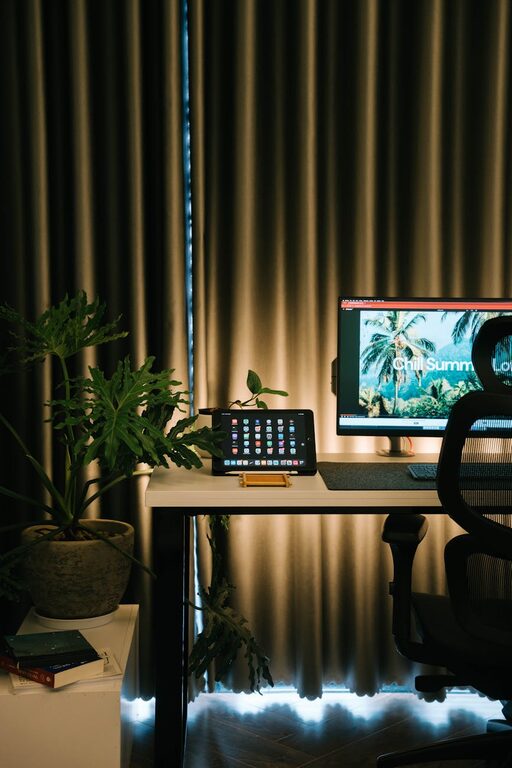
– Use plants to bring in greenery and improve air quality
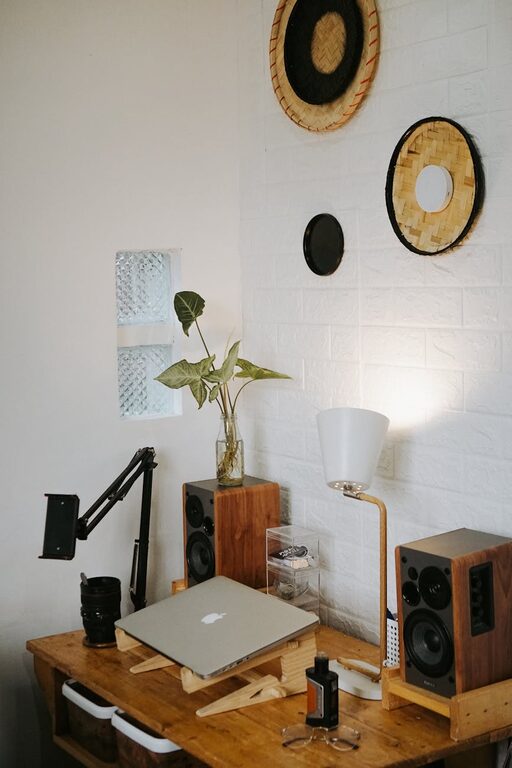
– Keep decorative items minimal to leave room for work essentials
7. Organize Your Digital Workspace
An organized physical space is only part of the equation. A clutter-free digital environment also supports productivity.
– Keep your desktop and folders tidy
– Use productivity apps or calendars to manage tasks
– Regularly back up important files to avoid data loss
8. Maintain Cleanliness Daily
A clean workspace feels refreshing and prevents buildup of dust and germs.
– Wipe down surfaces at the end of each day
– Empty trash bins regularly
– Keep cleaning supplies handy for quick touch-ups
9. Set Boundaries and Schedule Breaks
Organization includes managing your time and space for better comfort.
– Establish clear work hours to separate work and personal life
– Take regular breaks to stretch and rest your eyes
– Use timers or apps to remind you to stand up or move
10. Evaluate and Adjust
Your home office needs might change over time. Regularly assess what’s working and what isn’t.
– Rearrange furniture if you feel cramped or uncomfortable
– Upgrade equipment as needed
– Adapt your organization systems to fit your workflow
—
Organizing your home office doesn’t have to be complicated. With these simple tips, you can create a workspace that promotes productivity and comfort. Start small, make gradual improvements, and enjoy a more enjoyable and efficient working environment right in your home.