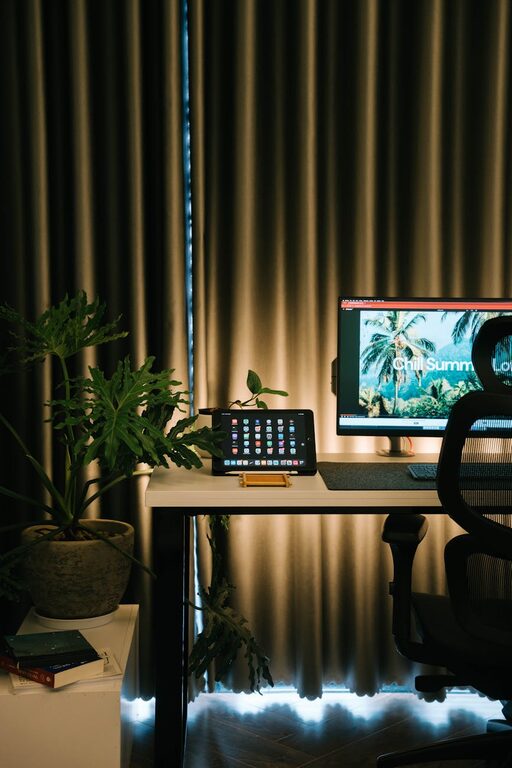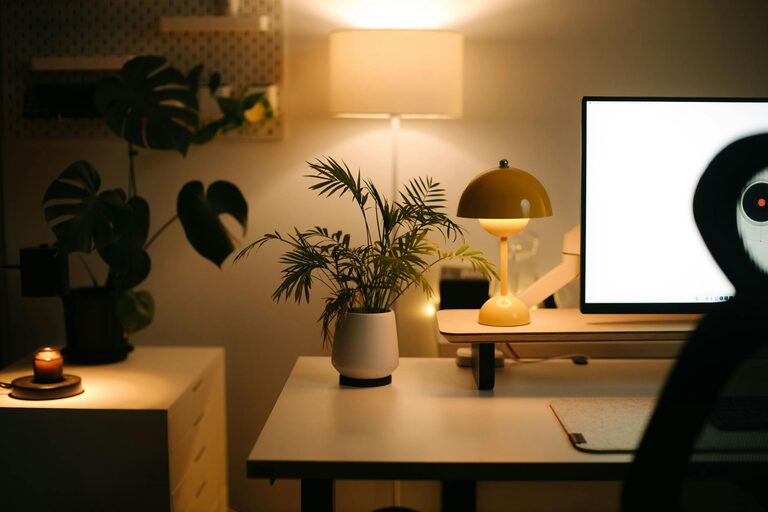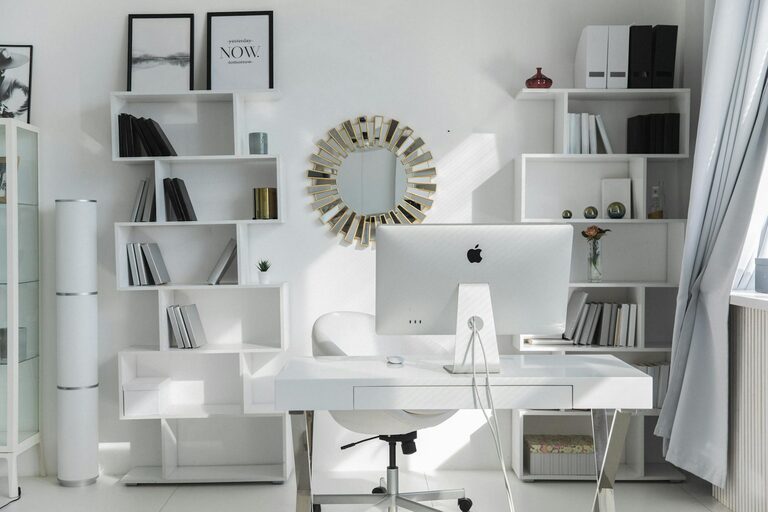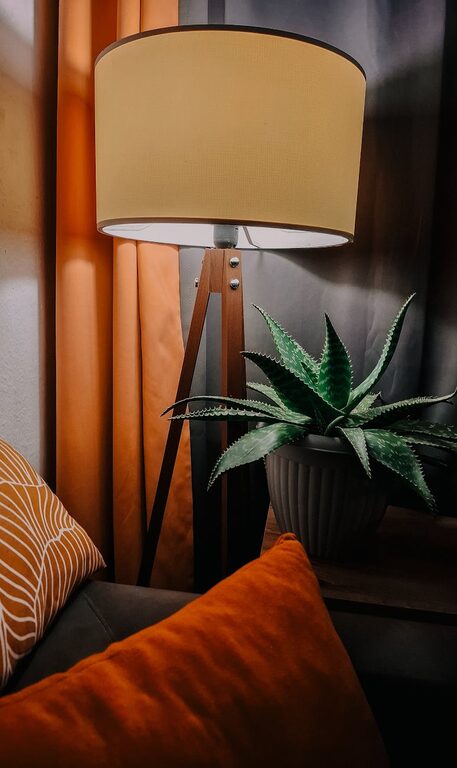






Creating a home office that feels both cozy and productive can significantly improve your work-from-home experience. Whether you’re new to remote work or looking to refresh your current setup, this guide offers practical tips to help you design a space that supports focus and comfort.
Why a Cozy and Productive Home Office Matters
Your home office isn’t just a spot to place your laptop; it’s a dedicated environment that impacts your energy, mood, and efficiency. A cozy space helps reduce stress and fatigue, while a productive setup minimizes distractions and promotes effective work habits.
Choose the Right Location
Start by selecting a quiet area with minimal foot traffic and distractions. Ideally, this space should have access to natural light, which can enhance your mood and alertness. If possible, pick a room with a door to help create boundaries between work and home life.
Invest in Comfortable and Functional Furniture
Ergonomic Chair and Desk
Comfort is key, especially if you spend long hours working. An ergonomic chair with proper lumbar support will help maintain good posture and prevent back pain. Pair it with a desk that suits your height, allowing your arms to rest comfortably while typing or writing.
Consider Adjustable Options
Height-adjustable desks or standing desk converters let you switch between sitting and standing, promoting better circulation and reducing fatigue.
Optimize Lighting
Proper lighting reduces eye strain and boosts productivity. Here’s how to get it right:
– Use natural light when possible; position your desk near a window.
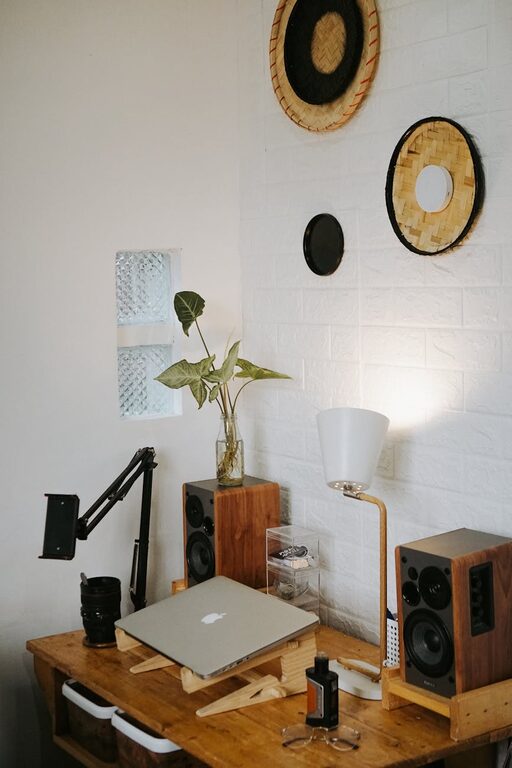
– Add a desk lamp with adjustable brightness to avoid glare.
– Choose bulbs that emit soft, warm light in the evening to help you wind down.
Organize for Efficiency
Clutter can be distracting. Creating an organized workspace helps maintain focus and saves time looking for supplies.
Use Storage Solutions
– Shelves and bookcases can keep books and documents tidy.
– Drawer organizers and desk trays help sort pens, paper clips, and other small items.
– Filing cabinets or boxes are great for important papers.
Keep Essential Items Within Reach
Arrange your most-used tools close to your workspace to minimize interruptions.
Personalize Your Space
Adding personal touches can make your office feel inviting and motivate you.
– Display photos, artwork, or inspirational quotes.
– Add some greenery or small plants to bring life and improve air quality.
– Use cushions, rugs, or throws for added comfort and style.
Manage Noise and Distractions
If noise is an issue, consider noise-cancelling headphones or white noise machines. Closing the door or using room dividers can also help create a quieter space.
Maintain a Clean Environment
Regular cleaning can prevent dust buildup and create a pleasant atmosphere. Set aside a few minutes each day to tidy your desk and surroundings.
Incorporate Technology Wisely
Ensure your workspace has reliable internet and sufficient power outlets. Use cable organizers to keep cords neat and add a monitor stand for better screen positioning.
Set Boundaries and Routine
Finally, establish clear working hours and communicate boundaries with family or housemates. Starting your day with a routine signals your brain to shift into work mode, improving focus.
—
By thoughtfully designing your home office with these tips, you’ll create a space that feels welcoming and helps you perform your best. Remember, small changes can make a big difference in comfort and productivity. Happy decorating!